Bike Libraries
What is a 'bike library'?
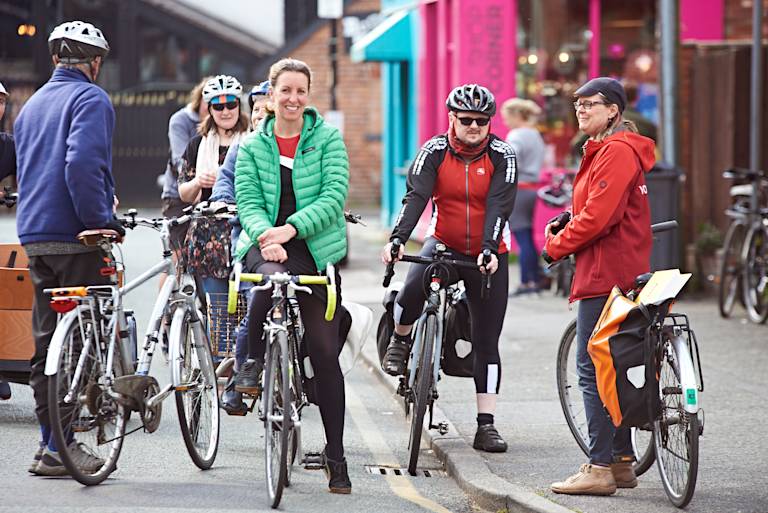
Bike libraries are local hubs that will allow people to borrow a bicycle, like a book, to try out. They aim to boost access to cycles and give people a chance to give cycling a go.
Bike libraries are generally based in the heart of a community, within easy reach by foot, in places such as community centres, schools, village halls or local business premises.
Our bike libraries support similar schemes that are available in Greater Manchester, helping create local hubs where bikes are donated, fixed up and used.
Bike libraries do accept donations of bikes. If you have a bike you no longer use and would like to donate then please contact your local bike library to discuss arranging this.
Map instructions and key
The map shows one or more locations in your area along with key information about the facility. There is also a text-based version of the information available on this map, filterable by borough and location type, to give you an idea of facilities available locally.
The map shows one or more location types in your area along with key information about the facility.
Keyboard users
Text-based version: A listing of facilities is available by tabbing to this entry and using the enter key to jump to a text-based list of what’s happening in your area.
Map Filter: Tab to the buttons and toggle the location types on and off using the buttons.
Map Filter: Tab to the buttons and toggle the boroughs on and off using the buttons.
Navigating the map: Tab through until you reach a selected map entry, then use the arrow keys to navigate around map entries and use the enter key to reveal the description for that map entry.
Mouse/smartphone users
Text-based version:
Map Filter: Toggle the location types on and off using the buttons.
Map Filter: Toggle the boroughs on and off using the buttons.
Navigating the map: Use the +/- buttons to zoom in and out, click and drag to move around the map. Select map features with a click or tap to bring up map information.
If using a smartphone: tap and drag with 2 fingers to move around the map. Pinch or open your fingers to zoom in and out. Select map features by tapping on them.
Map key
-
Bike Library